
Manage your Models
Business area grouping
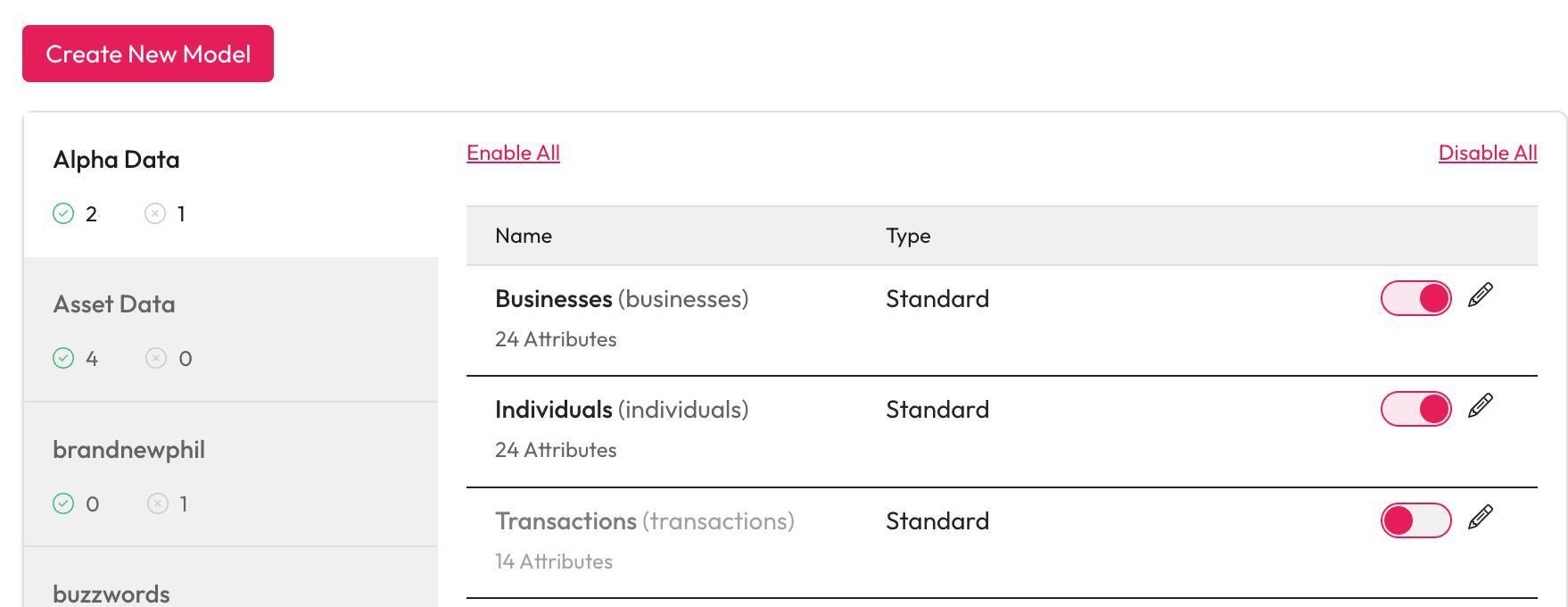
All models are grouped by the business area defined within the model, each business area tab conveys the count of active and inactive models within.
Filtering models
You can apply filters to show models based on their status, type or keywords. When you filter your models you will only see the business areas with matching results in them.
Editing models
Select the edit (pencil) button on the model you wish to edit. All aspects of a model can be edited, however once a model has been published, it's not possible to delete, edit the name of or change the data type of attributes within the model.
Enable or Disable a model
You can enable and disable all the models within a business area at once or control them individually using the toggle button.
Select the business area you want to change.
Select Enable All or Disable All to change all the statuses.
The enable or disable all button will be disabled if the models in this area already match this status.
Changes to the status of a model are automatic you do not need to save anything.
Last updated