
Adding the Enrichment Step
We will now add the new enrichment step to your Workplace AI installation. To do this we need to first stop all the Workplace AI services and the Web Server. You can always create a script (PowerShell) to automate this if you wish.
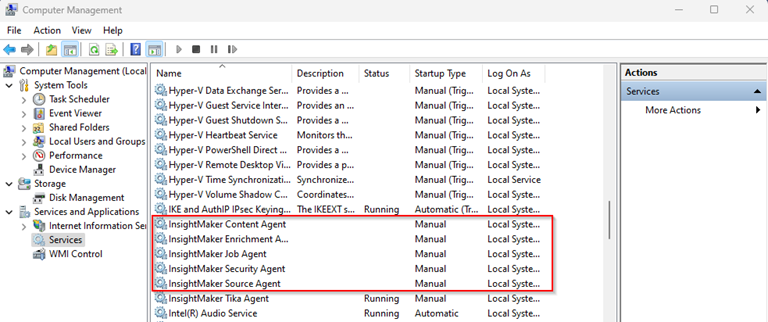
Now copy the following files from your class library project to your Workplace AI plugins folder:
helloworldes_template.html
bin\Debug\net6.0\InsightMaker.Enrichment.HelloWorldES.dll
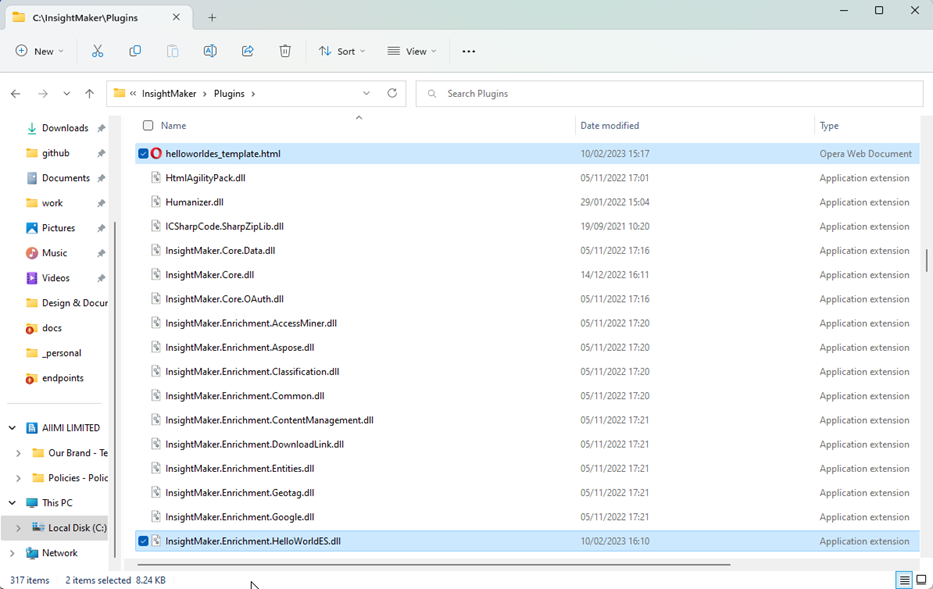
Finally, restart the Workplace AI services and the Web Server.
Note, you can add some post build steps to your Visual Studio configuration to copy the template file and DLL to the plugins location.