Folder Browsing
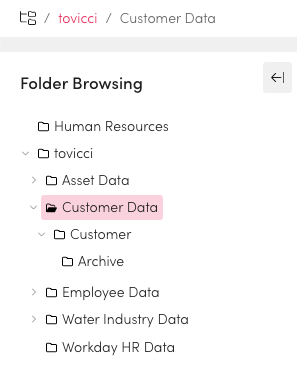
You can navigate your data by browsing subfolders. You can share information and add it to collections or SAR from a folder. You can browse your folders based on business area or function.
Select Folder Browsing from the application menu.
Select the Folder structure you want to explore.
Continue to drill down through sub folders to find the information you are looking for.
Archived data keeps its original folder structure so you can find data in a familiar way.