Filtering Results
Narrow down your results to more easily find relevant documents. You can apply a filter based on things like Source, Date Created, Owner, etc.
Using Filters
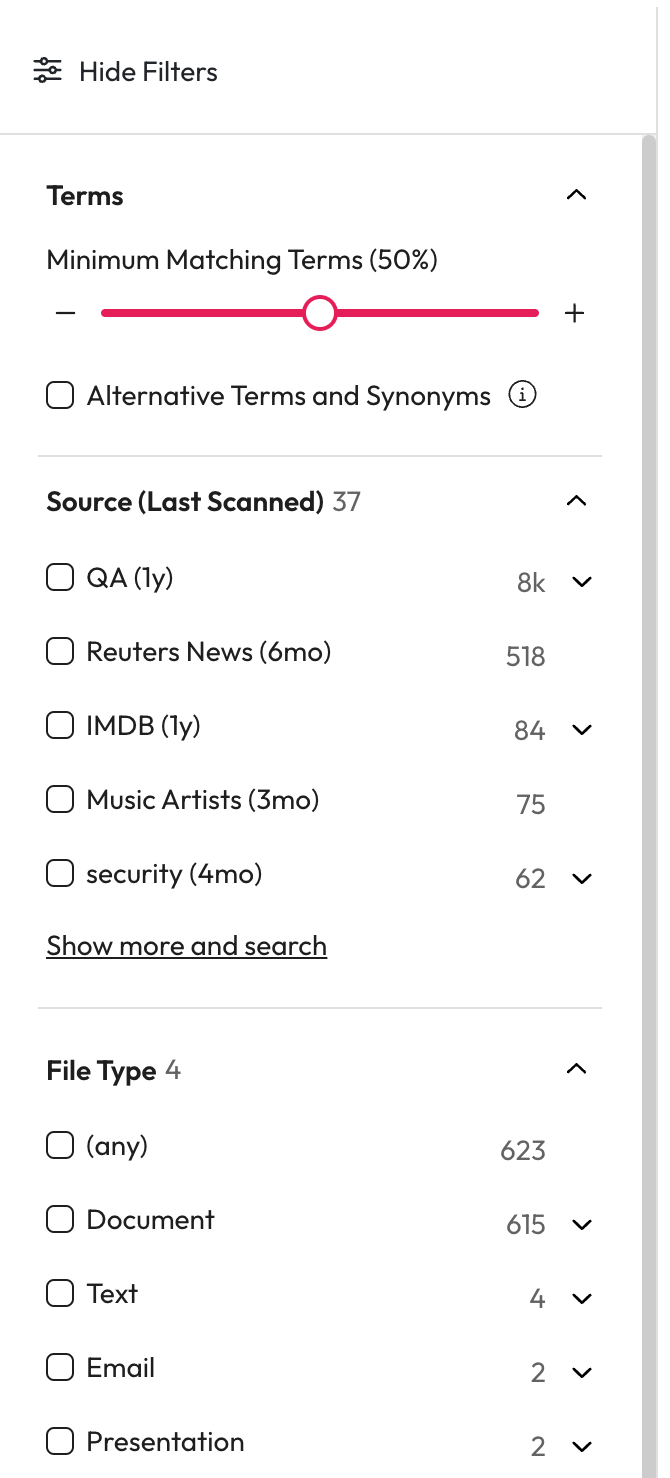
Select Show filters to open the filters panel.
Check all the filters you want to apply from the filters list.
Can't Find a Filter
There are 2 main reasons filters will not appear within your menu.
There are too many filters within the list so some aren't showing.
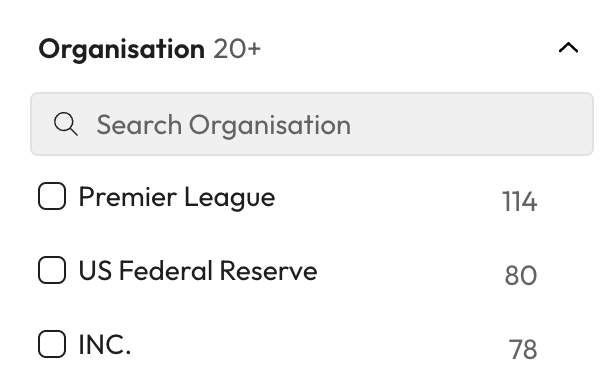
Select the show more option to see more available filters or search for other filters within the search bar.
None of the results in your list are related to the filter you're looking for.
Try changing your search term or applied filters to expand the results.
Minimum Matching Terms
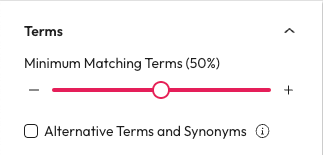
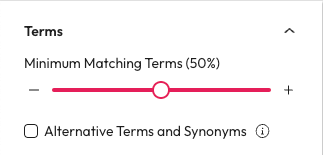
Select the number of terms that must be in a results content, filename, or metadata. If you're not sure what you are looking for or want to narrow down the number of results you have, this is a great help. Words like 'and' 'an' 'or' are not included in the term count.
When enabled by an administrator, a slider will be in your filters menu.
Use the slider or the plus + and minus - buttons to change the Minimum Matching Term value.
Results can take a moment to update when you change this filter.
Increasing the number can reduce the results and find more specific results.
Reducing the number can increase the results and find more related results.
Example:
Search "Aiimi Insight Engine Help tips and tricks".
Set your Minimum Matching Terms to 4.
You will only get results with 4 or more matching terms from this phrase.
Synonyms
Every business has Acronyms, Abbreviations and differing terms making it very difficult to find what you are looking for. When enabled by an administrator synonyms can be used to find a result that has an acronym or spelling variation.
For example, searching ‘business as usual’ will also show results containing ‘BAU’.
Once you have performed a search you can enable synonyms to expand your results.
Select Show filters.
Select Use Synonyms to enable them.
This will rerun your search to include appropriate synonyms.