
Elastic and Kibana Install (Windows)
This guide walks through the steps to set up a single node Elasticsearch cluster and an instance of Kibana. It should take around 2 hours to complete the Elastic and Kibana install.
If you are setting up a production environment, you will want to set up an Elasticsearch cluster. More information on this can be found on the ElasticSearch website.
The Elastic token needed to configure Kibana is only valid for 30 minutes. Once Elastic has been extracted you have 30 minutes to Install and Configure Kibana. It is not a long process but it's important you have that time to complete these steps.
Prerequisites
Folder Structure Set Up
A specific folder structure is needed for the installation of Elasticsearch and Kibana. You can create this structure using a PowerShell query or manually.
PowerShell
Check the path of the storage location in this script before running it. For example: (C:\).
mkdir C:\Apps;
mkdir C:\InsightEngine;
mkdir C:\Downloads;
mkdir C:\UtilsDownload Software
Check the path of the storage location and release names match the required version before running this script. For example: (C:\), (elasticsearch-8.17.3).

Extract Software
The Elastic, Kibana, nssm and InsightEngine zip files need to be extracted.
PowerShell
Check the path of the storage location and release names match the required version before running this script. For example: (C:\), (elasticsearch-8.17.3).
Elastic Configuration
Check the path of the storage location and release names match the required version before running this script. For example: (C:\), (elasticsearch-8.17.3).
Install Elastic
PowerShell Hint
Your PowerShell will continue to auto scroll down as the process remains running. If you select and highlight a section of the prompt window the auto scroll will stop. This will make it easier to find your password and token.
Elastic needs to be installed as a service and this can be done with a PowerShell script.
Check the path of the storage location and release names match the required version before running this script. For example: (C:\), (elasticsearch-8.17.3).
Do not close the PowerShell when this script has finished.

Do not close this PowerShell yet.
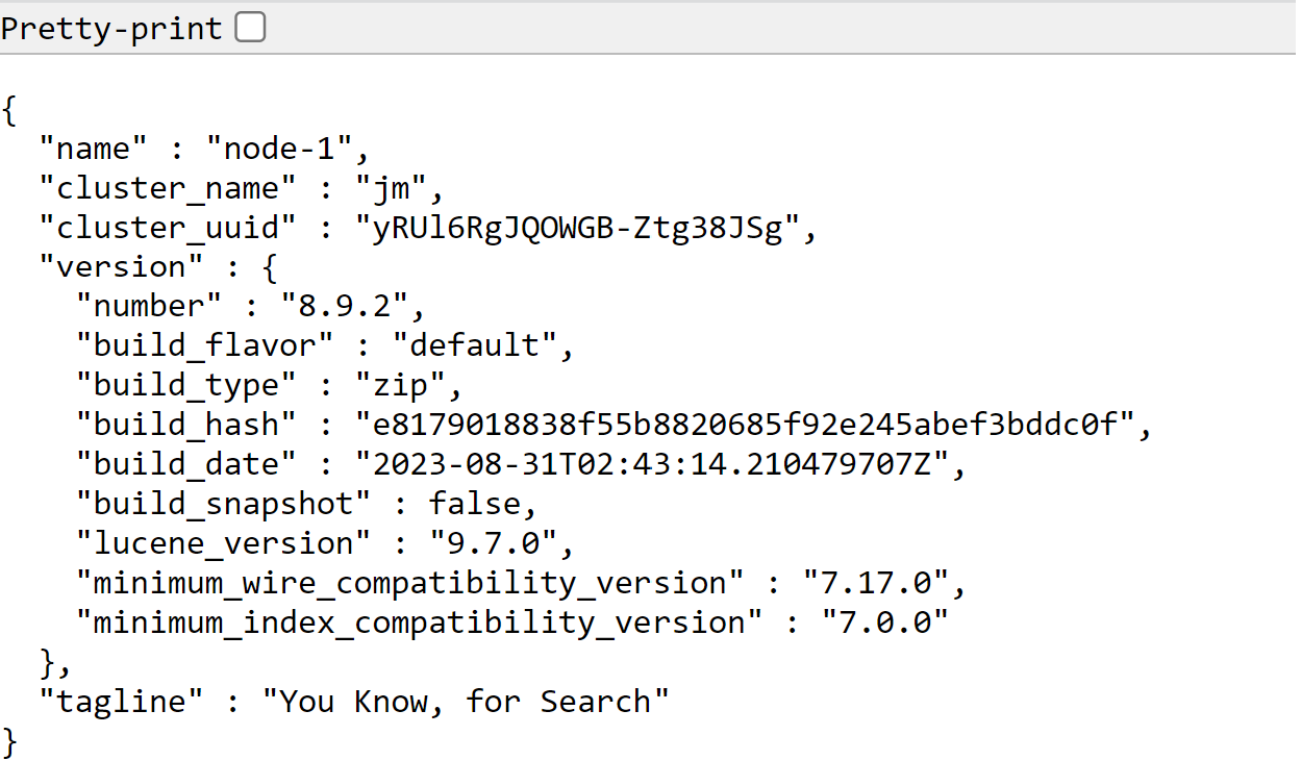
Install Kibana
Check the path of the storage location and release names match the required version before running this script. For example: (C:\), (kibana-8.17.3).
Do not close this PowerShell yet.
Update Elastic License
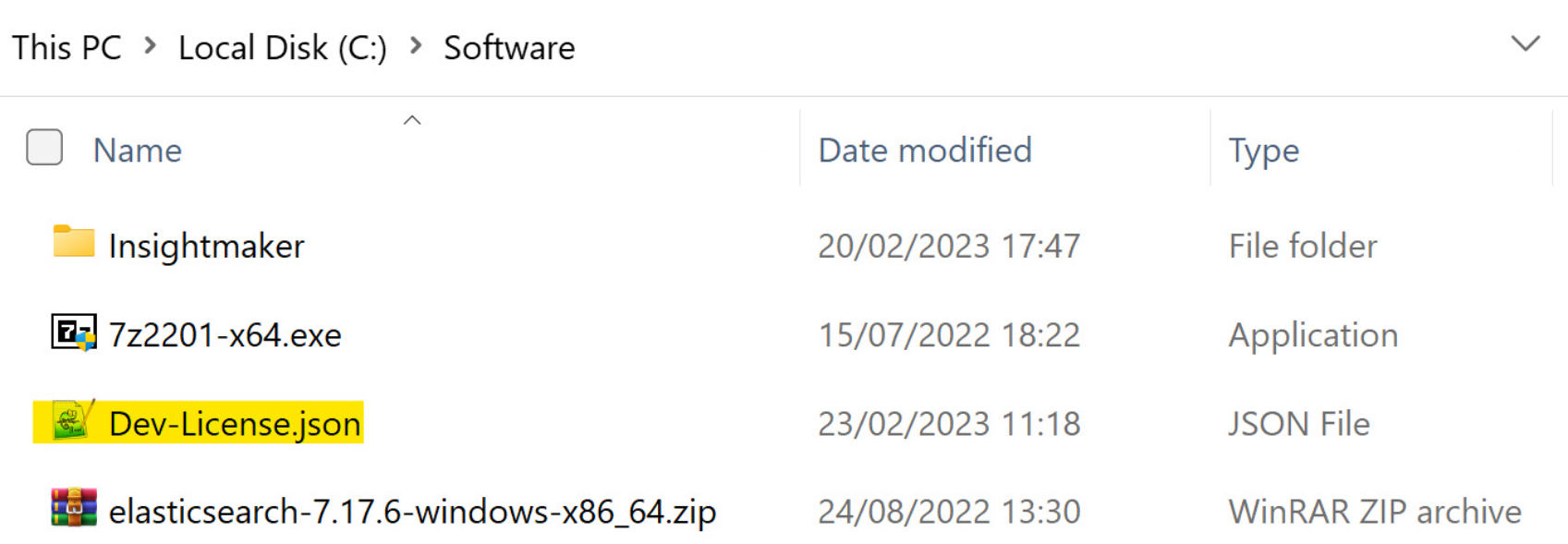
Create Elastic Certificate
Check the path of the storage location and release names match the required version before running this script. For example: (C:\), (elasticsearch-8.17.3).
Check the path of the storage location and release names match the required version before running this script. For example: (C:\), (elasticsearch-8.17.3).

Copy Certificates
You need to create a new certs folder and copy the certs to that folder.
Check the path of the storage location and release names match the required version before running this script. For example: (C:\), (elasticsearch-8.17.3).
Secure Connection Configuration
This updates a number of configurations need to add Xpack security. This improves the security between Kibana and Elastic.
Check the path of the storage location and release names match the required version before running this script. For example: (C:\), (elasticsearch-8.17.3).
Elastic Keystore Setup
The certificate password is used in a number of places and needs to be updated to match the certificate password you just set.
Check the path of the storage location and release names match the required version before running this script. For example: (C:\), (elasticsearch-8.17.3).
Kibana SSL Configuration
Check the path of the storage location and release names match the required version before running this script. For example: (C:\), (kibana-8.17.3).

Install Elastic Service
Check the path of the storage location and release names match the required version before running this script. For example: (C:\), (elasticsearch-8.17.3).
Install Kibana Service
Check the path of the storage location and release names match the required version before running this script. For example: (C:\), (nssm-2.24).
Last updated