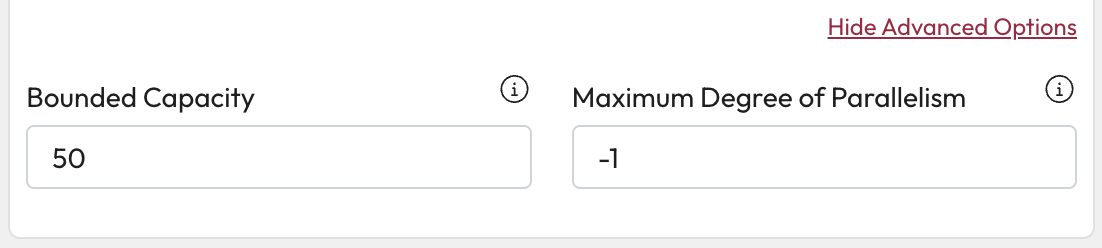
# Steps
You can add one or more steps to your enrichment process from the steps tab.
## Setting up your enrichment process
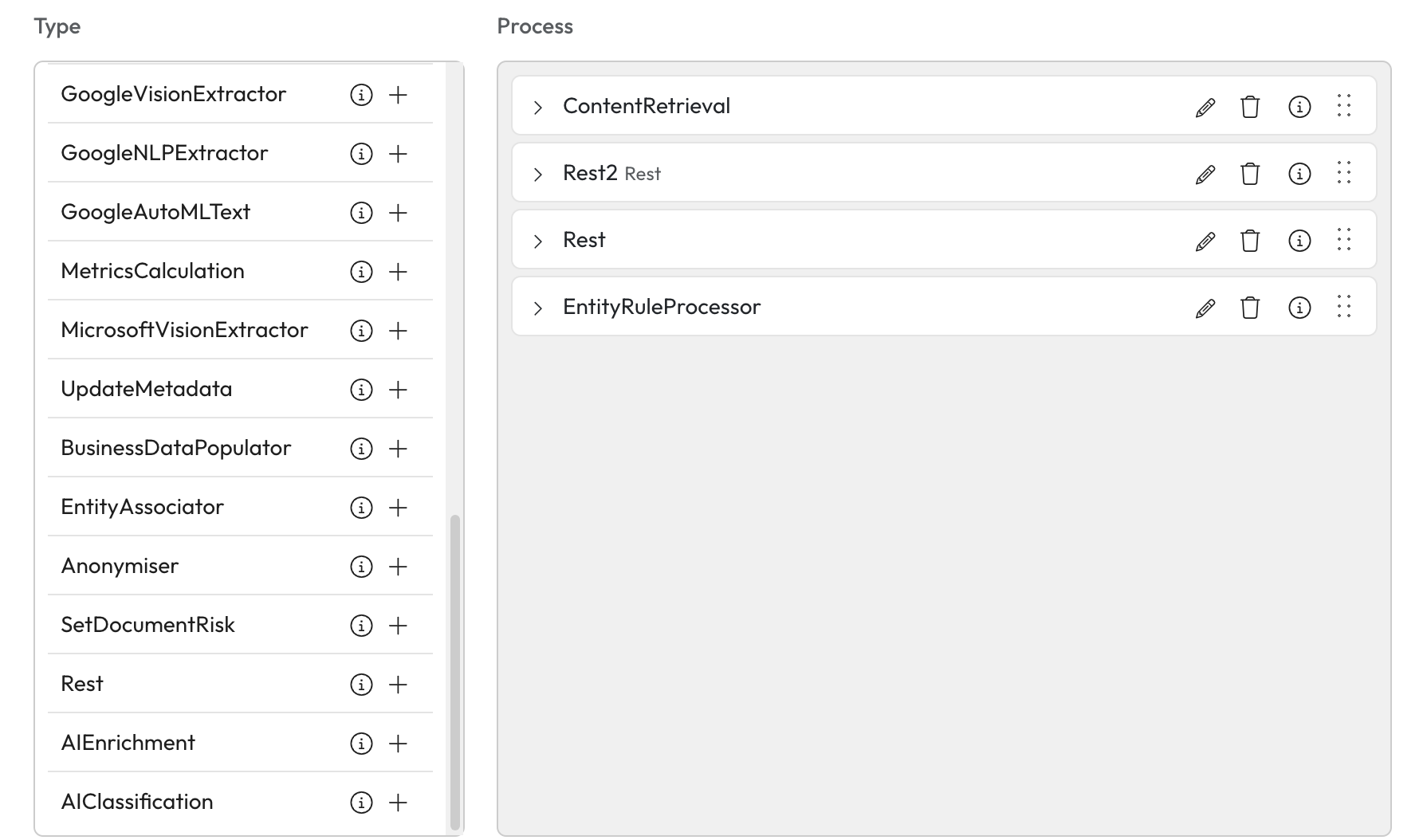
1. Select the Add (+) button of the step you want to add to your process.
* Each step can be added once except Rest which can be added multiple times.
{% hint style="info" %}
Remove a Step by selecting Delete on the item in your process list.
{% endhint %}
2. Enter Name - Select the text box and enter a name for this step.
* This is an optional field unless you have multiple rest steps. Each Rest step must have a unique name.
3. Select the apply this name button.
* If you need to change this at any point you can select the edit this name button.
4. Select the expand button next to the name for the additional configurations.
 * If you need to change this at any point you can select the edit this name button.
  4. Select the expand button next to the name for the additional configurations.